
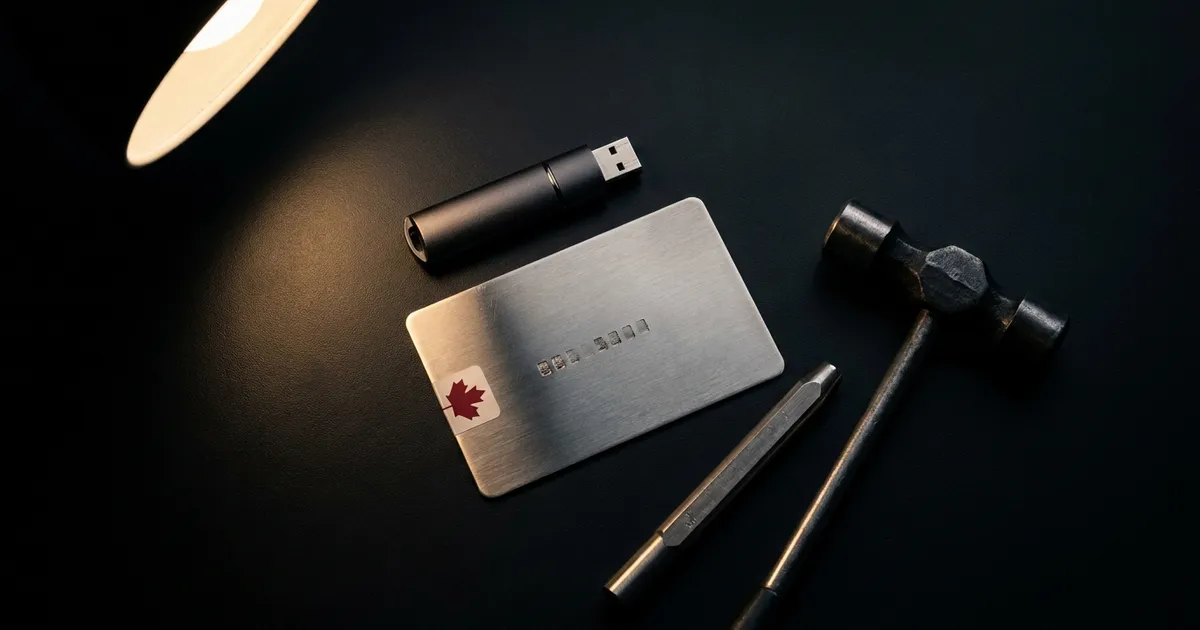
“Should I leave my crypto on the exchange, or take it off?” is the question that follows the first purchase, and the honest answer is that both choices carry a risk you should understand before you pick. On a registered Canadian platform, the risk is the platform. In your own wallet, the risk is you. This guide is about making the second risk small: which device to buy, how to back it up, how to move the coins, and the habits that keep them yours afterward.
Nothing here is investment advice, and nothing here sells a wallet. Every rule and number is sourced and dated.
What a registered platform actually does with your coins
Since the collapses of 2022, the Canadian Securities Administrators have required every registered crypto trading platform to keep client coins away from its own balance sheet. The CSA’s February 2023 staff notice sets the terms: a platform “will retain the services of third-party custodians to hold not less than 80% of the total value of Crypto Assets held on behalf of clients,” and must hold client assets “separate and apart from its own property” and “in trust for the benefit of the client.” The Ontario Securities Commission’s investor site puts it plainly: “a trading platform is not permitted to hold all its clients’ crypto assets in its own hot or cold wallets.”
That rule exists because of what happened before it. The OSC’s 2020 report on QuadrigaCX found that “over 76,000 clients were owed a combined $215 million in assets” when the platform failed in 2019, that the bankruptcy trustee recovered “just $46 million,” and that clients “collectively lost at least $169 million.” Quadriga had told customers it stored “99% coins in cold storage.” The OSC’s finding: “these claims were untrue and misleading.”
What happened at Quadriga was an old-fashioned fraud wrapped in modern technology. Ontario Securities Commission staff report on QuadrigaCX, 2020
What insurance does not cover
The two protections Canadians know from banking and investing do not reach crypto. CDIC insures eligible deposits “up to $100,000 per category” and lists cryptocurrencies among the things it does not cover. CIPF, which protects clients when a CIRO dealer fails, says eligible client property “includes securities and cash, but excludes crypto assets,” and the OSC’s investor site confirms the exclusion applies even to crypto held in an account with an investment dealer. Some platforms describe insurance held by their custodians; Wealthsimple, for example, says its custodial partners “have over $75M in insurance coverage each,” while noting its crypto accounts “are not protected by the Canadian Investor Protection Fund.” That is the custodian’s policy, with the custodian’s terms, not a guarantee to you.
What self-custody means
A coin never leaves its blockchain. What you hold is a key, and the key is generated from a seed phrase: 12 or 24 English words that the BIP39 standard draws from a list of 2,048. Anyone with those words can rebuild your wallet on any device and spend everything in it. A hardware wallet is a small device that creates the key and keeps it inside: as Trezor describes it, “your private keys are created inside the device, and they never leave it,” and “each transaction must be physically confirmed on the device.” Your phone or laptop composes the transaction; the device signs it; the words stay on paper or steel.
Self-custody, then, is four jobs: get a genuine device, protect the words, move the coins carefully, and stay unphishable.
Step one: buy the device right
Buy from the manufacturer or an authorized reseller, never second-hand or from a marketplace listing. The Canadian Anti-Fraud Centre’s wording is “purchase any hardware wallets directly from the manufacturer.” There is a Canadian option: Coldcard is made by Coinkite, a Toronto hardware company founded in 2012, and ships from its own site. Trezor lists Amazon Canada among its resellers, and Ledger sells direct.
When it arrives, check that it has not been opened. Coldcard’s setup guide asks you to inspect the tamper-evident bag and compare its number with one “recorded into the secure area of flash memory inside your Coldcard,” and warns that bags “can be ‘hacked’ with sharp knives, a heat press and so on,” which is why the serial check exists. Trezor’s software runs a device authentication check against a factory certificate at setup; its advice is “do not turn off this check.” When you update firmware, verify it: Coldcard publishes signatures and hashes and says not to “rely on a version number copied from an older guide, video, or social post.”
Step two: the backup is the wallet
The device will show the seed words once, at setup. Trezor’s rule is that it “will only show your wallet backup once,” so write the words down then, in order, on the card in the box. From there:
- Never digital. Ledger’s guidance is that a seed phrase “must never be entered into any smartphone, computer, or other device that can connect to the internet.” No photos, no notes app, no password manager, no cloud.
- Never spoken. Trezor: “do not read your wallet backup words out loud.”
- Metal beats paper for anything you plan to keep for years. Paper backups risk “tearing, fading, or being destroyed by fire, water, or corrosion,” in Trezor’s words; both makers point to stamped steel or titanium plates, sold by them and by third parties Ledger names such as Cryptosteel and Billfodl.
- Split with care. Trezor’s 20-word share backups let you spread pieces across places, but “if you lose too many shares and fall below the threshold, recovery is impossible.”
- Test it. Before you move real money, wipe the device and restore it from your written words, then send a small amount in and back out.
A passphrase is the advanced option and the most common way people lose coins. It is an extra word or sentence, up to 100 characters on Ledger, that opens a completely separate wallet from the same seed. In Trezor’s words, passphrases “cannot be changed, removed, or recovered,” and every different entry opens “a different wallet, even if it’s a typo.” Ledger says the same: a forgotten passphrase means access “is permanently lost.” Use one only if you will store it as carefully as the seed, and separately from it.
Step three: moving the coins
Every registered platform lets you withdraw to a wallet you control, with its own rules. Shakepay publishes send minimums of 0.001 BTC and 0.05 ETH and holds transfers for 24 hours after you change your login details, a useful protection. Bitbuy prices withdrawals on network conditions and marks some assets “trade only,” meaning you cannot withdraw them at all. If you want to skip the custodial step entirely, Bull Bitcoin, registered with FINTRAC and operating since 2013, describes itself as “a non-custodial Bitcoin exchange” that “never hold[s] your Bitcoin”: purchases settle straight to your address.
Two habits for the move itself. Send a small test amount first and confirm it arrived. And read the whole receiving address on the device screen, not just the ends: address poisoning scams plant look-alike addresses in your history hoping you copy the wrong one, so “always double-check the full transaction address (not just the first and last few characters).”
One thing you do not have to worry about: tax. The CRA’s crypto guide says transfers between wallets that you own are not a taxable disposition. Selling, swapping or spending later is; the tax hub has the rules.
Step four: the habits that keep it yours
Once you hold your own keys, nobody can freeze your coins, and nobody can save them from you. The attacks that work are almost all social.
- Nobody legitimate will ever ask for your words. Ledger: “We will never ask you for the 24 words.” Trezor: it “will never contact you about your wallet backup.” Any message, call or pop-up that asks is a scam, whatever logo it wears.
- Expect phishing that knows your name. In 2020 Ledger’s e-commerce database was leaked: about one million email addresses, and for about 9,500 customers their name, postal address and phone number. In August and September 2026 Trezor disclosed that a shipping provider’s breach exposed names, addresses, phone numbers and order details for 13,689 recent customers and then “another approximately 67,000” from 2019 to 2021, while “our systems were not compromised.” Both companies’ advice was the same: the devices are safe; the emails, calls and even letters that follow are the danger.
- Never pay a ransom, and take threats to the police. Ledger’s guidance after its leak was to “never pay any ransom” and, “if you fear for your physical safety,” to “contact your local authorities.”
- Lock the accounts around the wallet. The Cyber Centre’s rules: a passphrase of “at least 4 words and 15 characters,” a different one for every account, and multi-factor authentication, with FIDO security keys “strongly recommended.” Its phishing guide lists the tells: urgency, a request for confidential information, an offer that sounds too good, and it says to verify “by contacting the sender through a separate channel.”
If something goes wrong
- Device lost or stolen, backup safe. Restore on a new device, then move everything to a wallet with a fresh backup. Trezor’s advice is to “immediately move out your funds to a new secure wallet.”
- Backup seen, or possibly seen. Trezor: “you should assume that is the case and move your funds elsewhere immediately.” Do not wait to find out.
- Device and backup both gone. The coins cannot be recovered. That is the trade you made for holding them yourself, and it is why the backup step matters more than the device.
- Money already sent to a scammer. Report it to the Canadian Anti-Fraud Centre, your police service and your provincial securities regulator, and ignore anyone who then offers to recover it for a fee.
The security hub keeps the regulators’ alerts, the breach coverage and these guides in one place.